Live girl cams you can choose before you call
Browse who is online right now, open a private 1-on-1 cam chat with the girl you actually want to talk to, and keep the whole thing between the two of you. Free to begin, right in your browser.
Free to begin · No download · Phone or desktop




Browse live girl cams before you connect

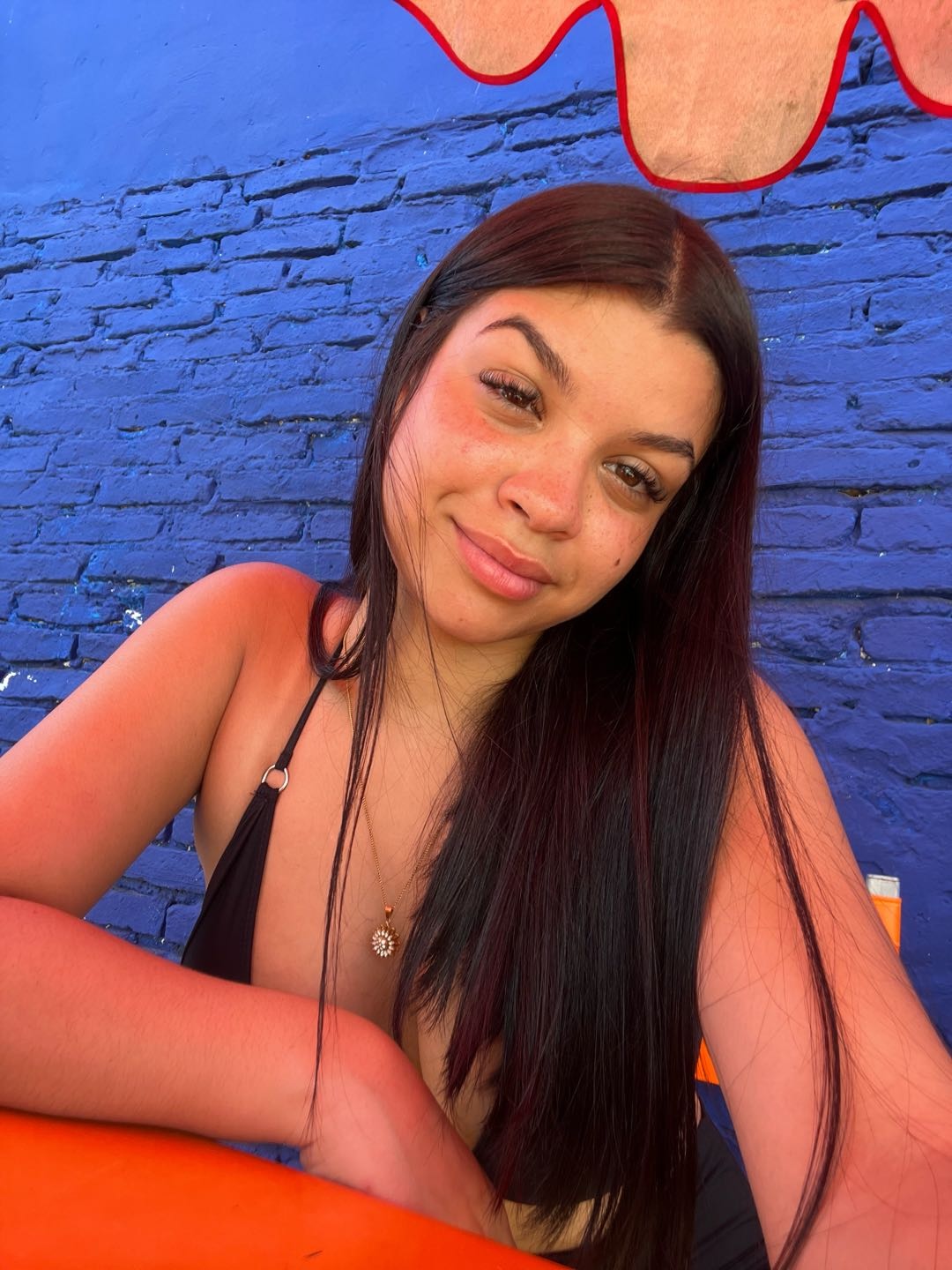
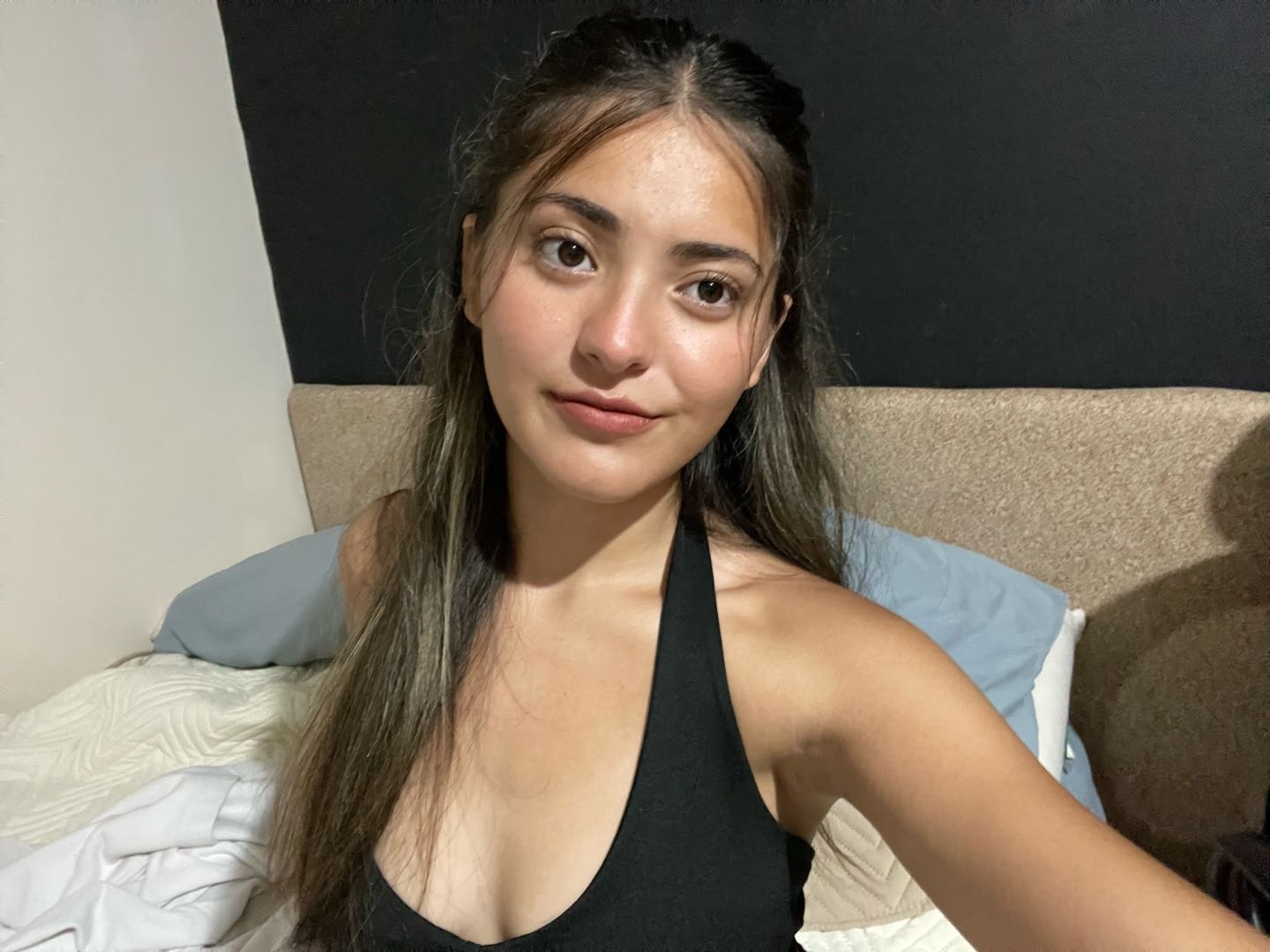




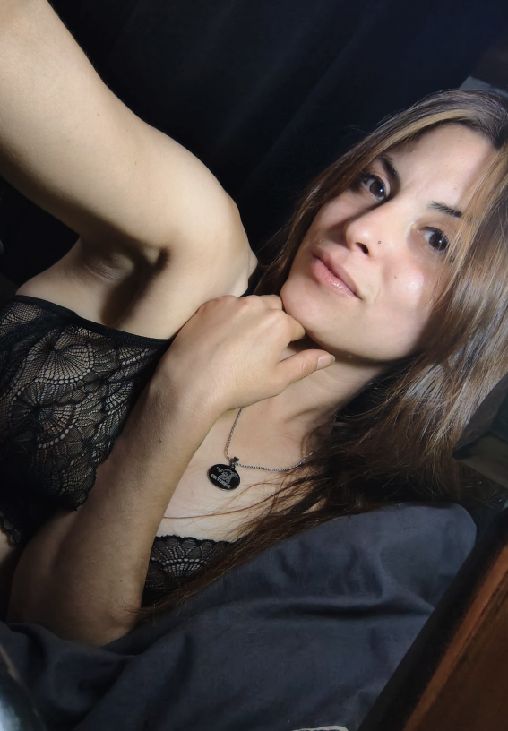

A girl cam on WinkCam is a live profile you can browse before you start a 1-on-1 cam chat. Every card shows her current status, and the language tabs let you sort by English or Spanish before you say hello.
How WinkCam turns browsing into a real conversation
Three simple steps: browse, choose, and start the conversation in your browser.
- 01
Browse the live list
Open the online list and browse the profiles that are available right now. Every card shows her name, language, and whether she is available or already chatting.
- 02
Pick the profile you like
Read her profile, look at her photos, and decide. This is the part random chat never gives you: you choose the person, not the roulette.
- 03
Open a private cam chat
Send a message first or go straight to a 1-on-1 cam call. Choose text, voice, or video before the room opens.
Girl cams vs random roulette: why choosing first matters
Random roulette
- The site decides who appears; you react.
- Half the matches are gone in five seconds.
- Little context, little control, and a skip button doing most of the work.
- Great for killing ten minutes, poor for an actual conversation.
Live girl cams on WinkCam
- You browse the live list and pick the girl you want to talk to.
- You see her language, her photos, and whether she is available right now.
- The room is 1-on-1 from the first second — no audience.
- If it clicks, you follow her and come back tomorrow.
Random matching still exists on WinkCam if you want it — the Start matching button is one tap away. The difference is that it is a choice, not the only door in.
One live list, four ways to use it
Cam chat with girls
One girl, one room, one conversation. The everyday way to use WinkCam.
Read more →Format1v1 cam
What a one-on-one cam actually is, why it beats a public room, and how it starts.
Read more →PrivacyPrivate cam chat
A two-person room by default, with no other user joining the conversation.
Read more →DeviceWebcam chat with girls
Desktop webcam or phone camera — it works in the browser on both.
Read more →Free to begin: what browsing and first steps include
Free: opening WinkCam, browsing every live girl cam on the list, reading profiles, using the language tabs, and creating an account. You can browse first and create a simple account when you are ready to message or call.
Uses credits: voice and video minutes, gifts, and a few extras such as message translation. Prices are shown before you spend credits, so you know the rate before a voice or video call starts.
We would rather say this on the front page than let you find out inside a call. You can browse first, and that part costs nothing.
Private cam chat without a public room feeling
Many chat sites are built like a stadium: one person talking, a thousand people typing. WinkCam is built like a table for two. When you open a cam chat, the room holds exactly two people and no other user is in the room with you.
That changes how the conversation goes. She is talking to you, and you can switch between text, voice, and video whenever you like. If you want the long version, read the private cam chat guide.
Webcam chat on phone or desktop
WinkCam runs in the browser, so a webcam chat with girls works the same on a laptop with a webcam and on a phone with its front camera. There is nothing to install, and you can add the site to your home screen if you want it to open like an app.
- Desktop — bigger video, keyboard for typing, the live list on the side while you chat.
- Phone — one-hand browsing, tap to call, text, voice, or video from the same screen.
- Both — your account, credits, and follows carry over, so start on one and finish on the other.
WinkCam, answered plainly
Is WinkCam free to begin?
Yes. You can open WinkCam, browse the live list, look at profiles, and get started without paying anything. Longer private cam time, gifts, and some extra features use credits, and we show the price before you spend a single one.
Are the profiles on WinkCam real?
The profiles on the live list belong to people who are online at that moment. Read a profile, check her language tag and status, and decide for yourself before you open a cam chat. If a conversation does not feel right, you simply leave.
Do I need to register before using WinkCam?
You can browse first. To send a message or open a cam call you create a simple account, which keeps your credits, messages, and follows in one place and lets you get back to a profile you liked.
How do I open a cam chat with a girl?
Go to the live list, tap a profile, and choose how to connect: a text message, a voice call, or a video cam call. The 1-on-1 room opens in your browser after you choose, with no download.
How is WinkCam different from roulette chat?
Roulette chat throws you into random matches with whoever shows up. WinkCam lets you browse the live list first and pick who you want to spend one-on-one time with, so the conversation starts on purpose instead of by chance.
Is my activity on WinkCam private?
Every cam chat is a two-person room with no other user joining the conversation. Keep personal details such as your address or workplace out of a first conversation, and use the report and block tools if anyone crosses a line.
Short reads before your first cam chat
What Are Girl Cams? Live Profiles and 1-on-1 Chat
A girl cam is a live profile you can browse before you talk. Here is what the badges mean, how it differs from random matching, and how the first chat starts.
Live Girl Cams on Your Phone — No App Required
Everything runs in the phone browser: allow the camera once, browse the live list, tap Video. Here is what to expect, and the two settings worth changing first.
Private Cam Chat Guide for First-Time Users
Two people in the room, no public audience, and simple controls before you start. What that means in practice, plus the money and manners questions first-timers ask.
Webcam Chat Safety Checklist Before You Connect
Check what is behind you, keep the chat on the platform, and treat "let's move to another app" as the first red flag. Seven habits for safer webcam chats.
Browse first. Wink later.
The live list refreshes all day. Take a look, pick a profile, open a private cam chat.